Type a coding task on your phone. DartClaw runs on your desktop, calls the LLM, executes tools, and streams every token back to you — live.
Build a REST API for user auth...
Sure! Writing auth.dart...
✓ write_file auth.dart
✓ dart run → port 8080
Message DartClaw...
WebSocket
▶ Received task from phone...
⚙ write_file auth.dart
⚙ run_command dart run
Server running on :8080
✓ Task complete!
Built entirely in Dart & Flutter · No third-party agent framework
CAPABILITIES
Send tasks, view streaming LLM output, confirm risky operations, and tweak AI settings — all from your phone. Your desktop does the heavy lifting.
The built-in Agent loop assembles the prompt, calls the LLM, parses tool calls, executes them, feeds results back — looping autonomously until done.
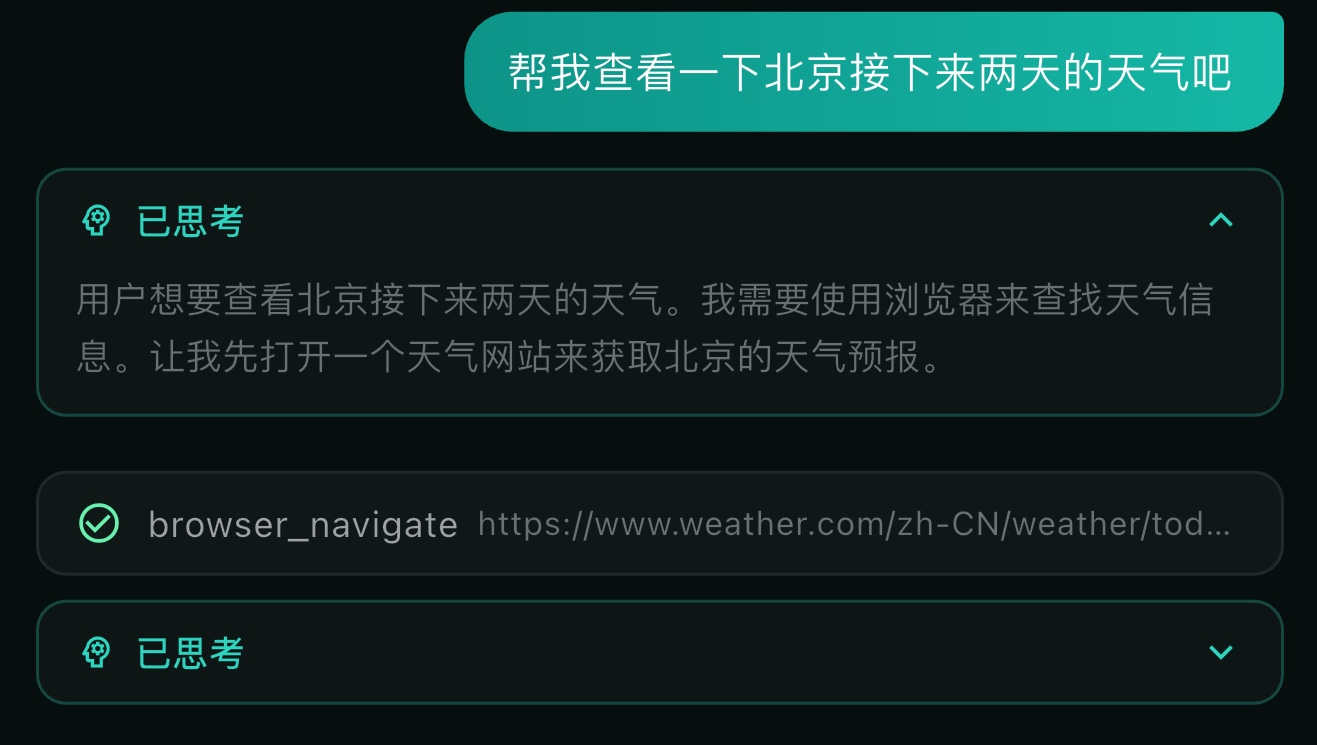
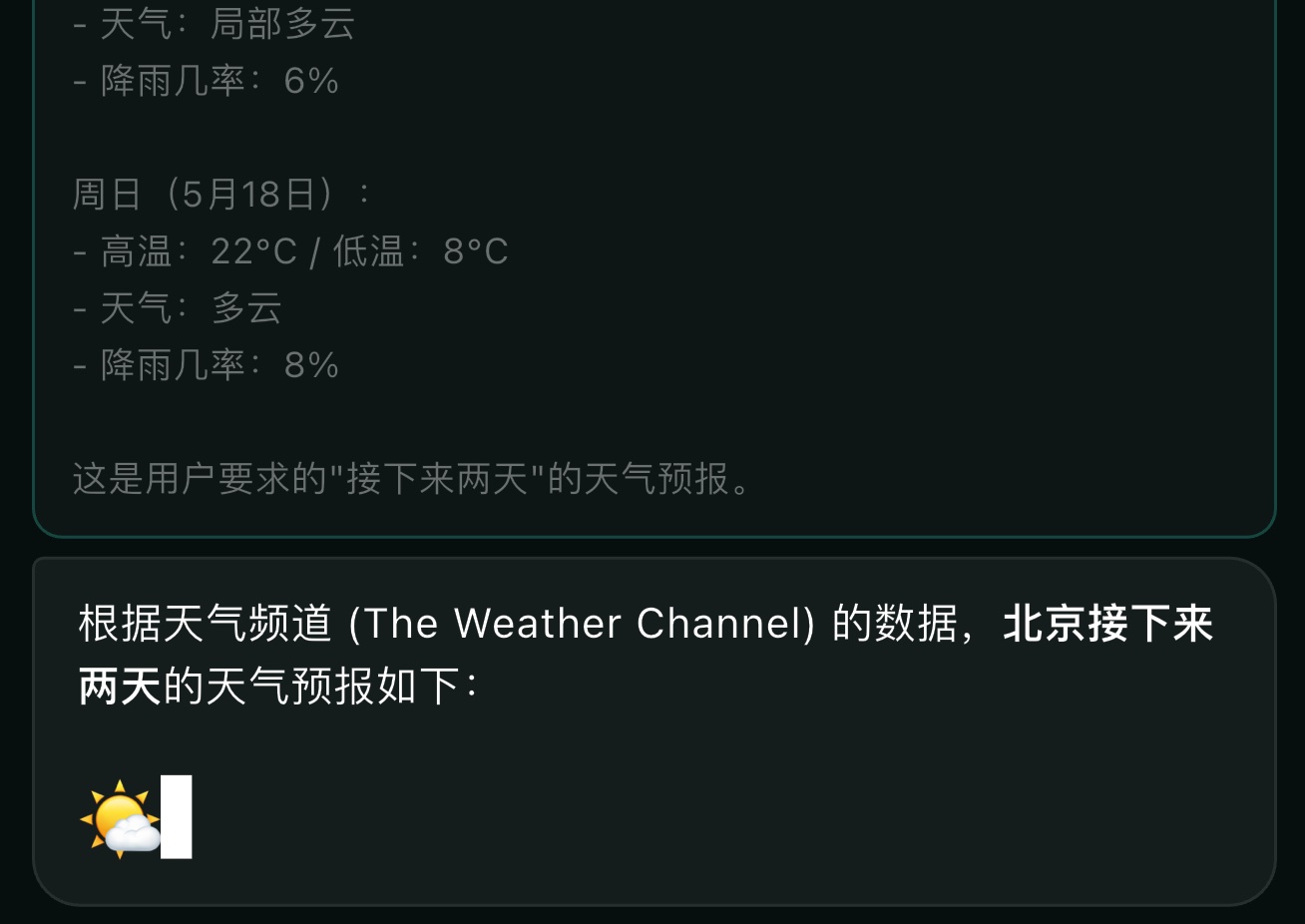
LLM token stream, reasoning output, and tool execution status are pushed to your phone via WebSocket the moment they happen. No polling.
Dangerous operations — file deletion, script execution — pause and send a confirmation dialog to your phone. You approve before anything runs.
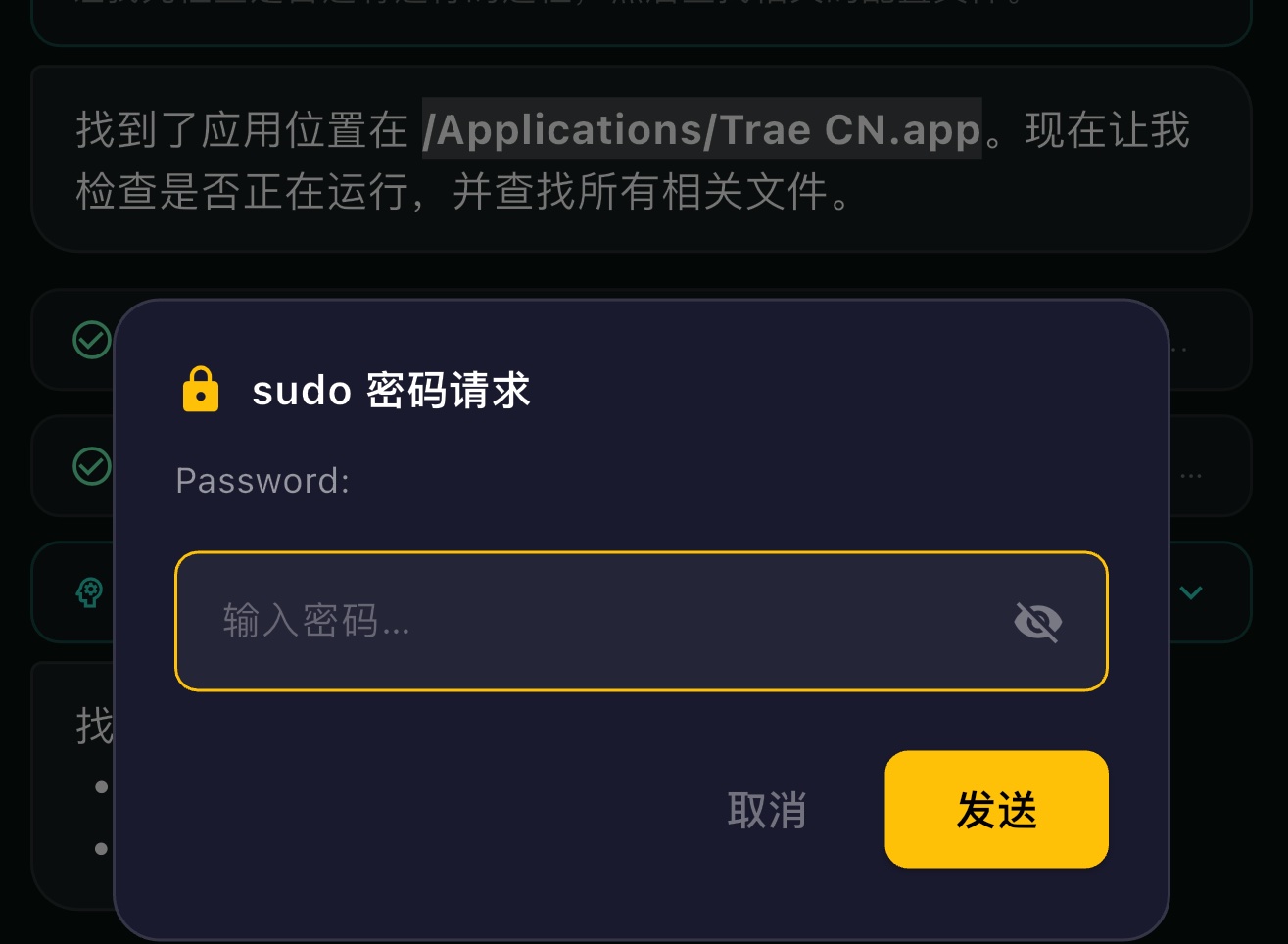
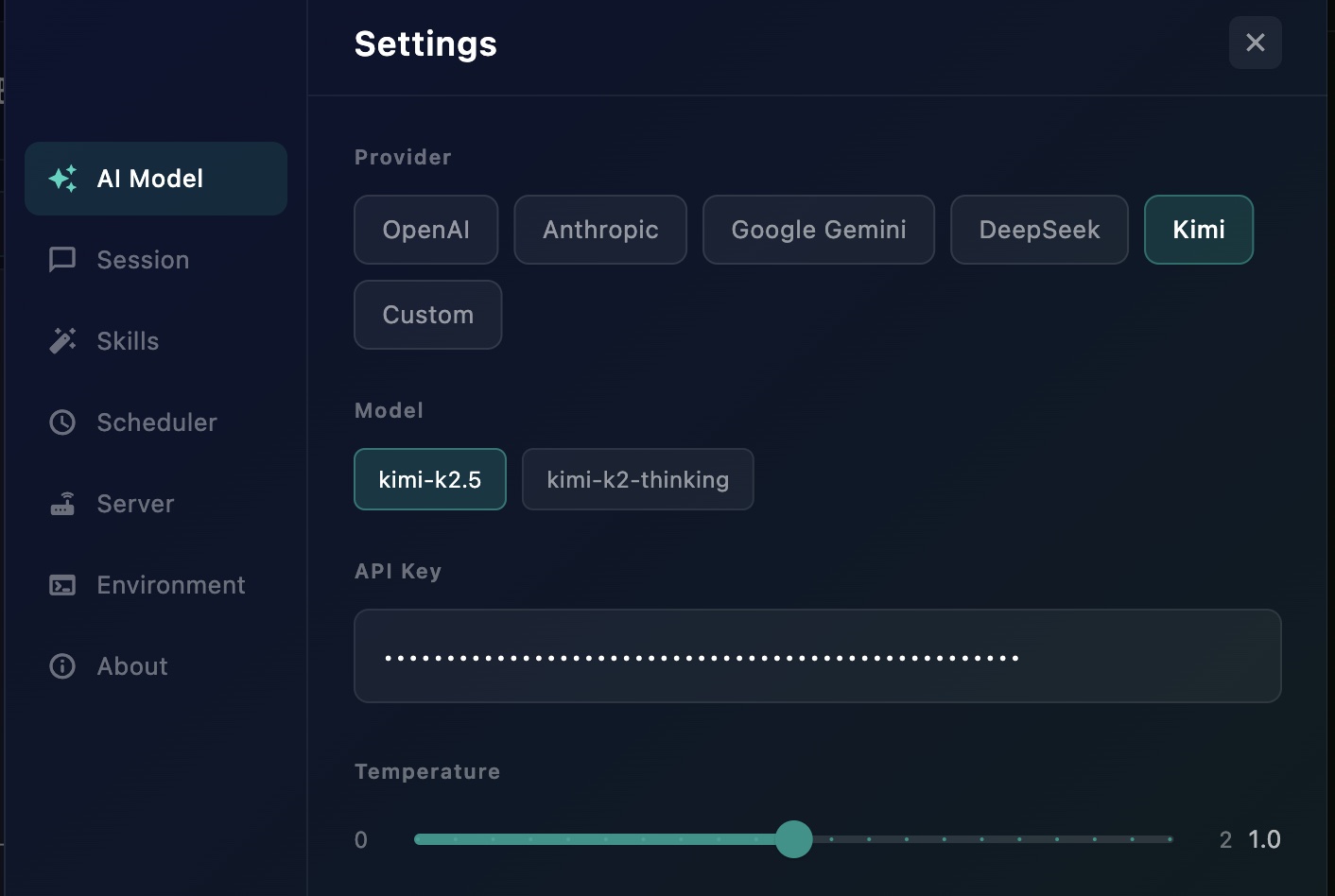
OpenAI, Anthropic, Gemini, DeepSeek, Kimi, and any OpenAI-compatible API. Switch models and configure providers remotely from your phone.
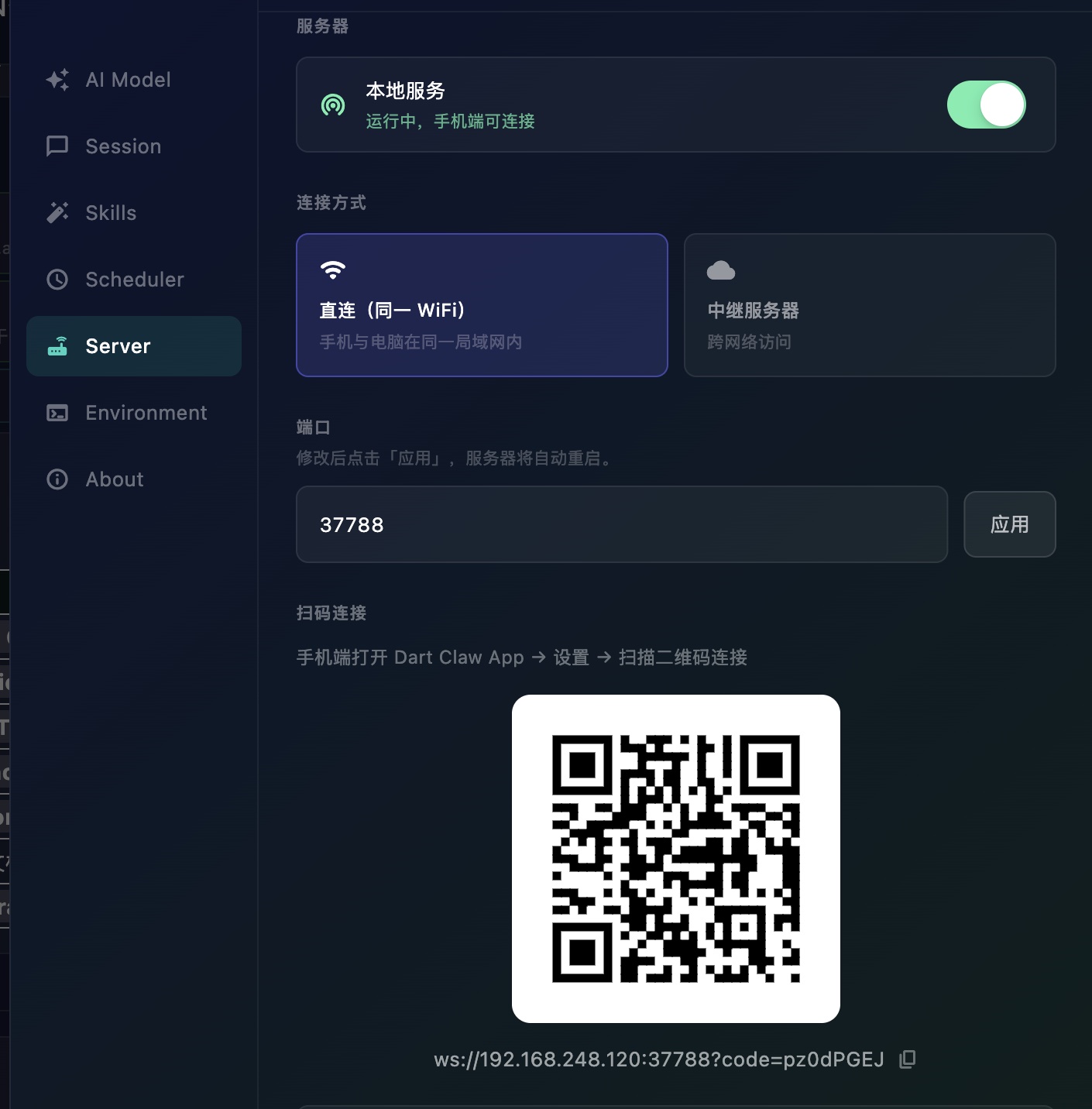
Connect phone to desktop directly over the same Wi-Fi, or use the relay server to work across any network — from anywhere in the world.
HOW IT WORKS
Type a coding request on your phone and tap send. Optionally activate a Skill to guide the agent.
The desktop app calls your chosen LLM. The model reasons and returns structured tool calls.
The desktop runs file operations, shell commands, web browsing, and more — locally on your machine.
Every token and tool result streams to your phone live. The loop continues until the task is complete.
// Phone sends task via WebSocket
user: "Create a REST API endpoint for user authentication"
// Desktop calls LLM → LLM returns tool_calls
agent: calling write_file(path: "lib/auth.dart", content: "...")
agent: calling interactive_run_command(cmd: "dart run server.dart")
// Results feed back → agent confirms done
✓ write_file succeeded — auth.dart created
✓ Server running on port 8080
done — task complete · streamed to phone in real time
SKILLS
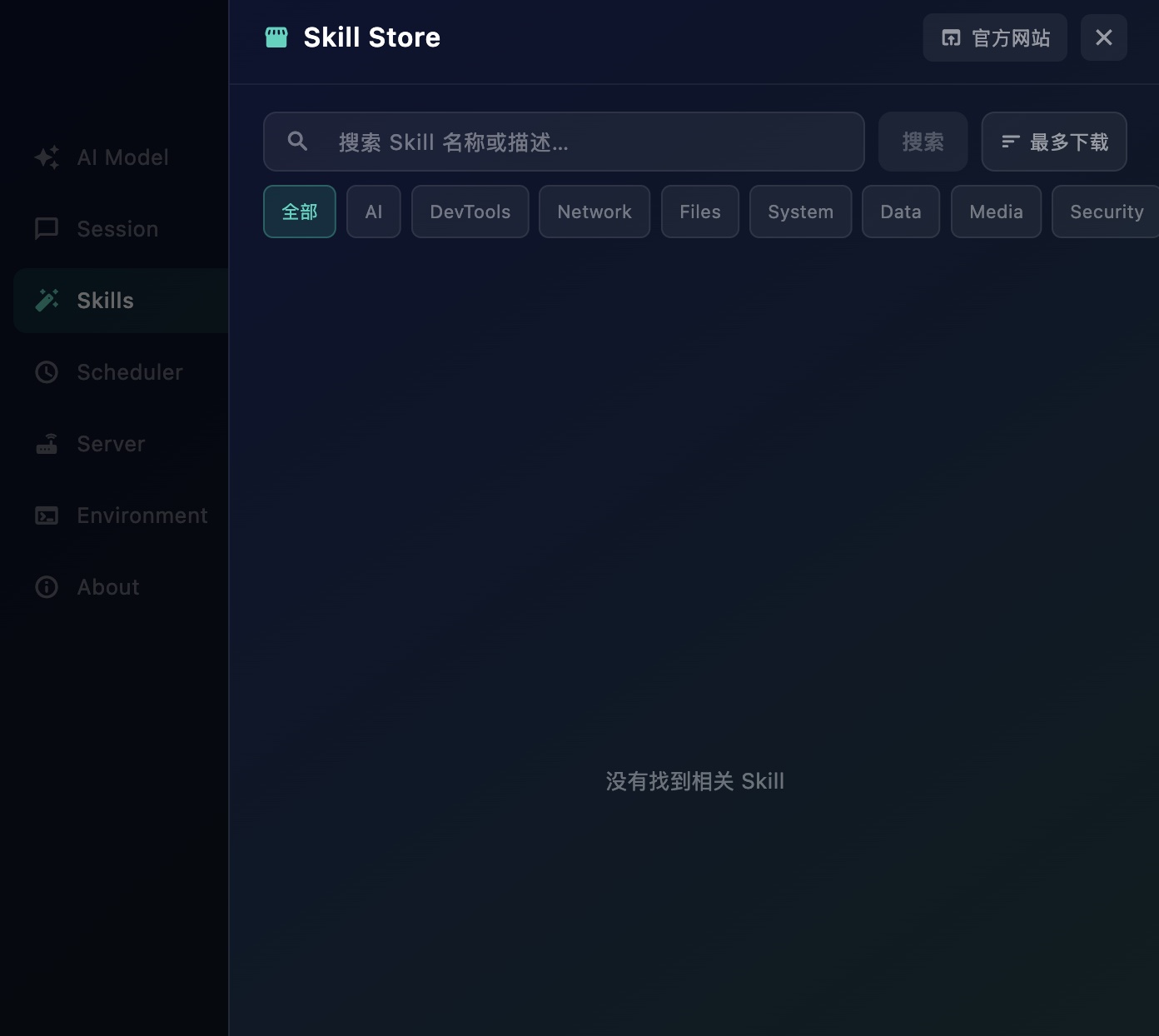
Skills are pre-defined workflow templates that guide DartClaw through specific tasks — code review, test generation, deployment scripts, and more. Define your own or install from the community store.
BUILT-IN TOOLS
interactive_run_command
Run shell commands & scripts
write_file / read_file
Full filesystem access
web_browser
Browse the web, remember logins
screenshot
Capture desktop screenshots
ask_user
Request input from your phone
show_image / show_chart
Render visuals on desktop
request_file
Upload files from phone → desktop
mouse_keyboard_tools
macOS UI automation via CoreGraphics
The built-in relay server lets you control your desktop from anywhere in the world. Deploy to any cloud server and connect securely through any network.
DOWNLOAD
Download the desktop app and the mobile remote. Open source, free forever. Bring your own LLM API key.
Desktop
macOS · Linux · Windows
iOS
iPhone · iPad
Android
APK · GitHub Releases
Open source · MIT License · Bring your own LLM API key